 Bailu Hub
Bailu Hub · Start here
From your first lesson to your practice notes
Start with a simple sequence: read, observe, practise as directed, then record and reflect. The website previews introduce this flow; the released app is the reference for the actual interface.
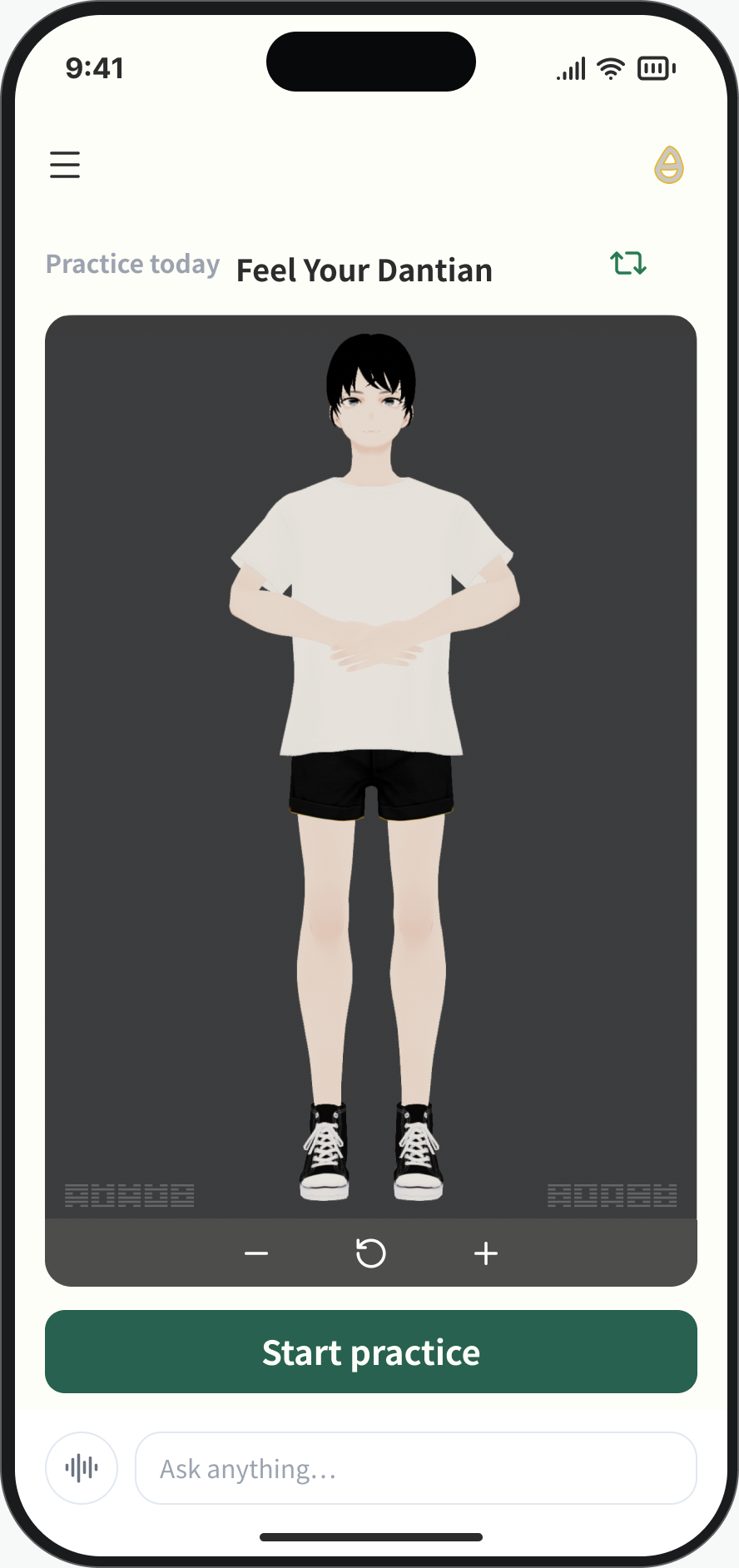
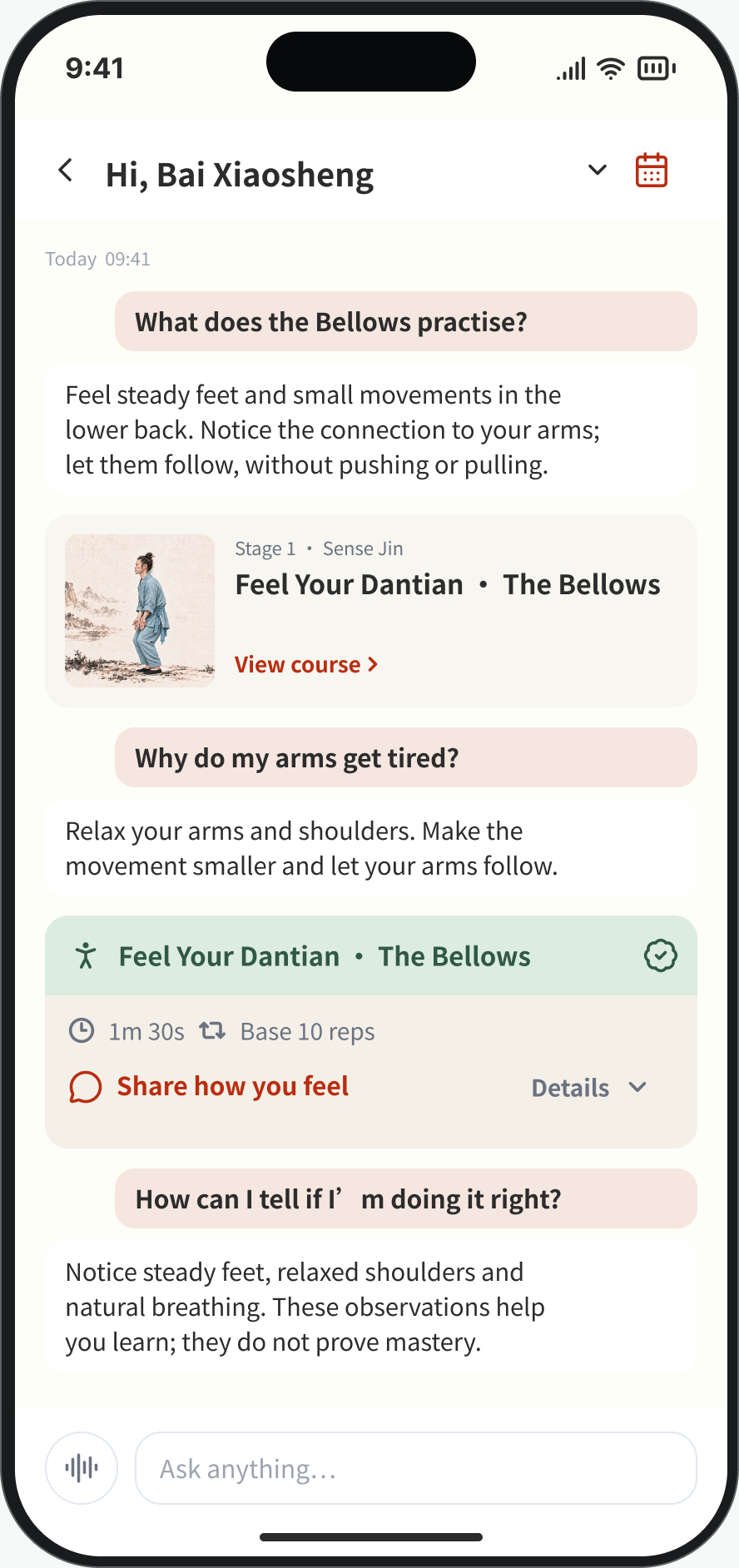
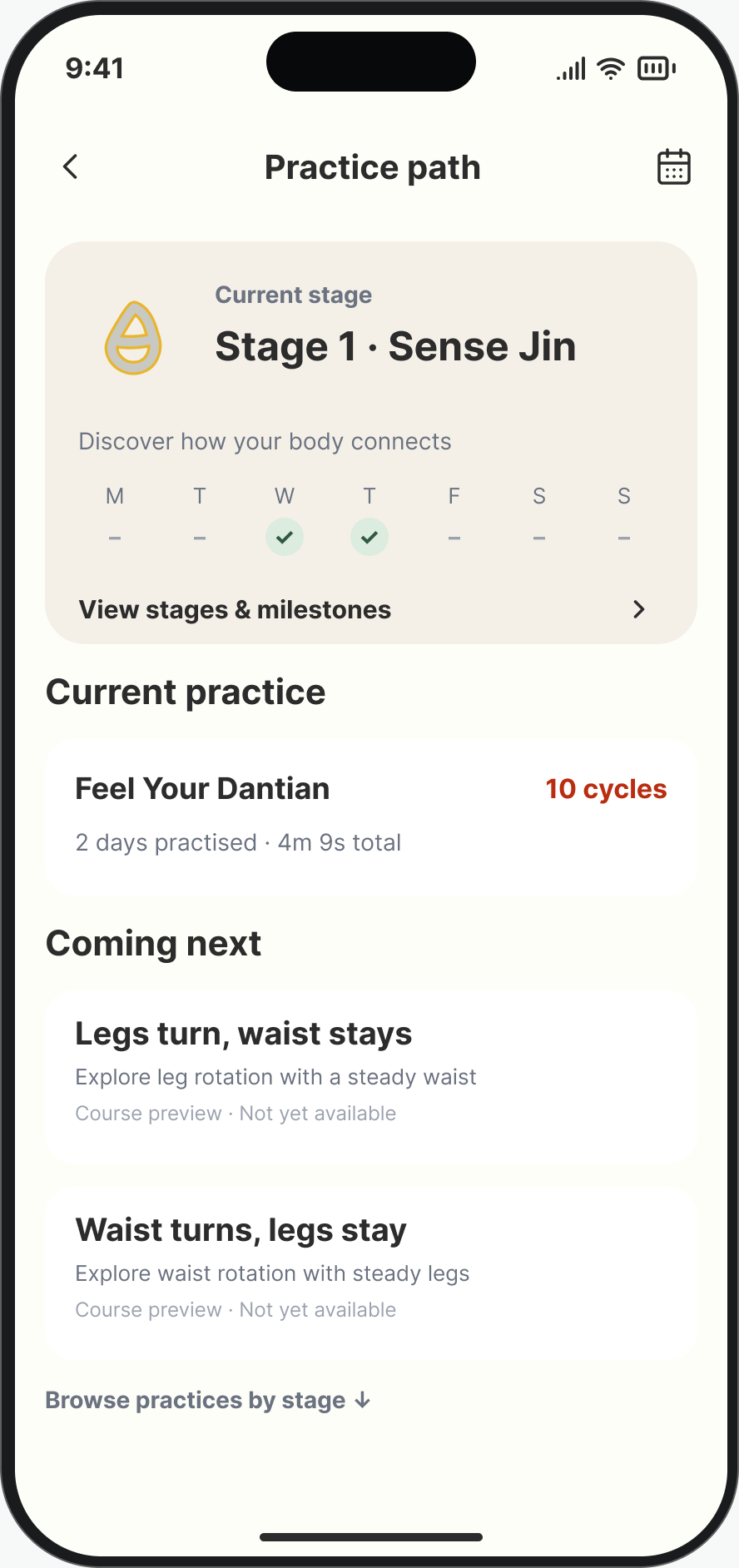
App interface previews illustrate the flow; these are not an interactive online trial.
1. Find the first lesson
Use the home screen’s first-lesson guidance and your own progress to see what is currently available. A preview of future courses does not mean that every course is unlocked.
2. Read the explanation
Open Feel Your Dantian — The Bellows Practice. Learn its origin, focus and goal. Use the explanations and questions to clarify unfamiliar terms before starting movement practice.
3. Study the 3D demonstration
Observe the movement from different angles and connect what you see with the written explanation. The fixed-view website preview does not offer every control available in the app.
4. Follow the session guidance
Start through the app’s training entry and follow the instructions for that session. Use End Training when you need to finish. Do not add training load simply to improve a record; available sessions and access follow the app’s checks.
5. Record what you noticed
After finishing, describe specific sensations, changes and questions in your own words. There is no need to invent a perfect answer. Review your own progress to see the practice you have completed.
6. Ask one concrete question
For example: “I understand the waist moving back, but how does that relate to the feet?” AI explanations support understanding; they do not replace in-person instruction or medical assessment.
Public downloads are not yet available. Website signup is for launch updates, not an App Store pre-order or access to training.